Why Every Contractor Needs Digital Time Tracking
Paper timesheets are costing you money. See how GPS-verified digital time tracking eliminates buddy punching, reduces payroll errors, and gives you real labor cost data.
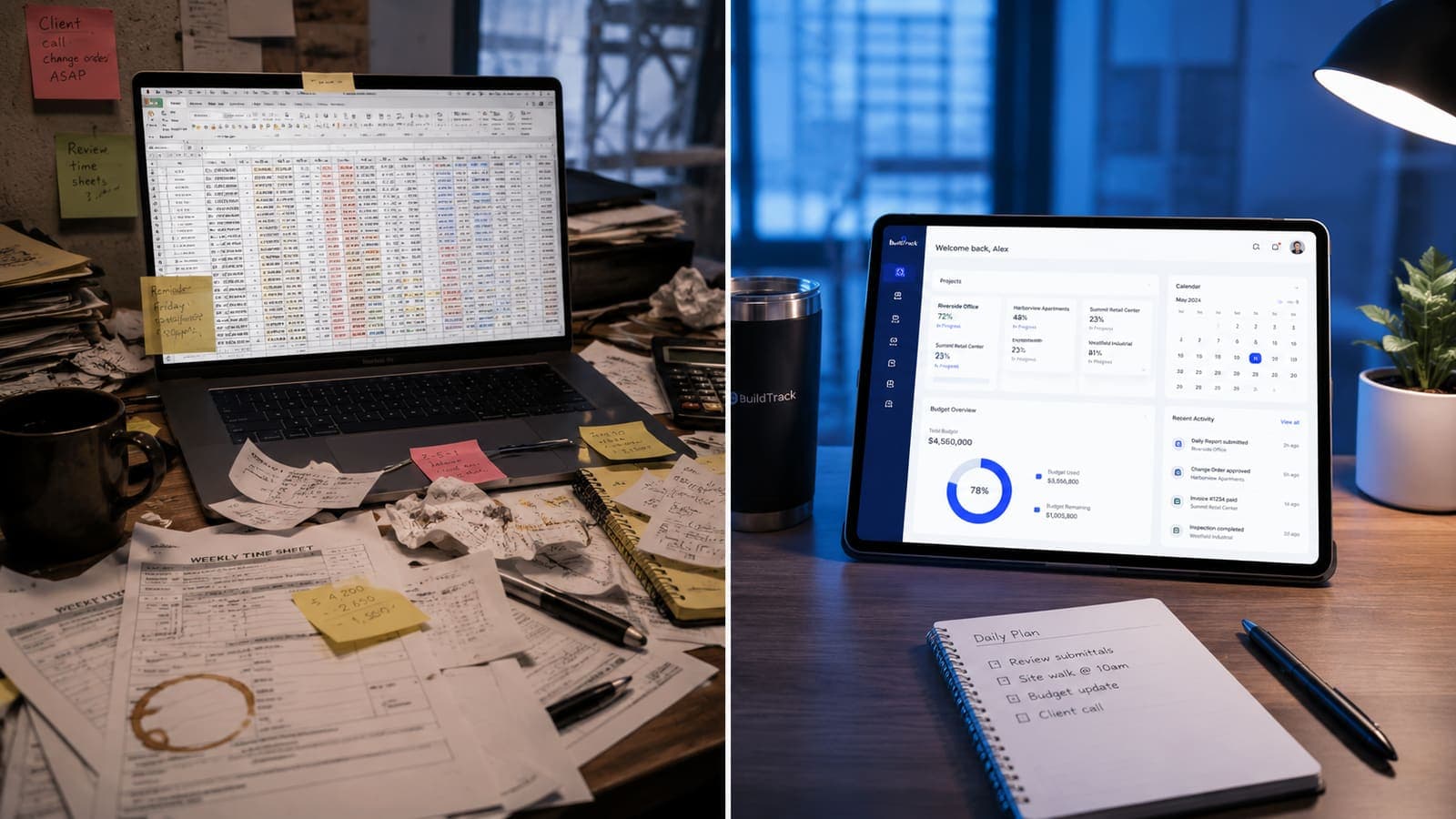
Paper timesheets and "we trust each other" are the most expensive HR systems in construction. Buddy punching alone — one worker clocking in for another — quietly adds a couple of percent to payroll in many crews; for a contractor with $800K in annual wages, even 2% is $16,000 a year flowing out the door to time that wasn't actually worked. Add overpaid hours from rounding, missing job-code data that prevents real cost analysis, and the occasional honest mistake, and the real leak is larger.
What "Digital Time Tracking" Actually Means in 2026
Three capabilities matter, in this order:
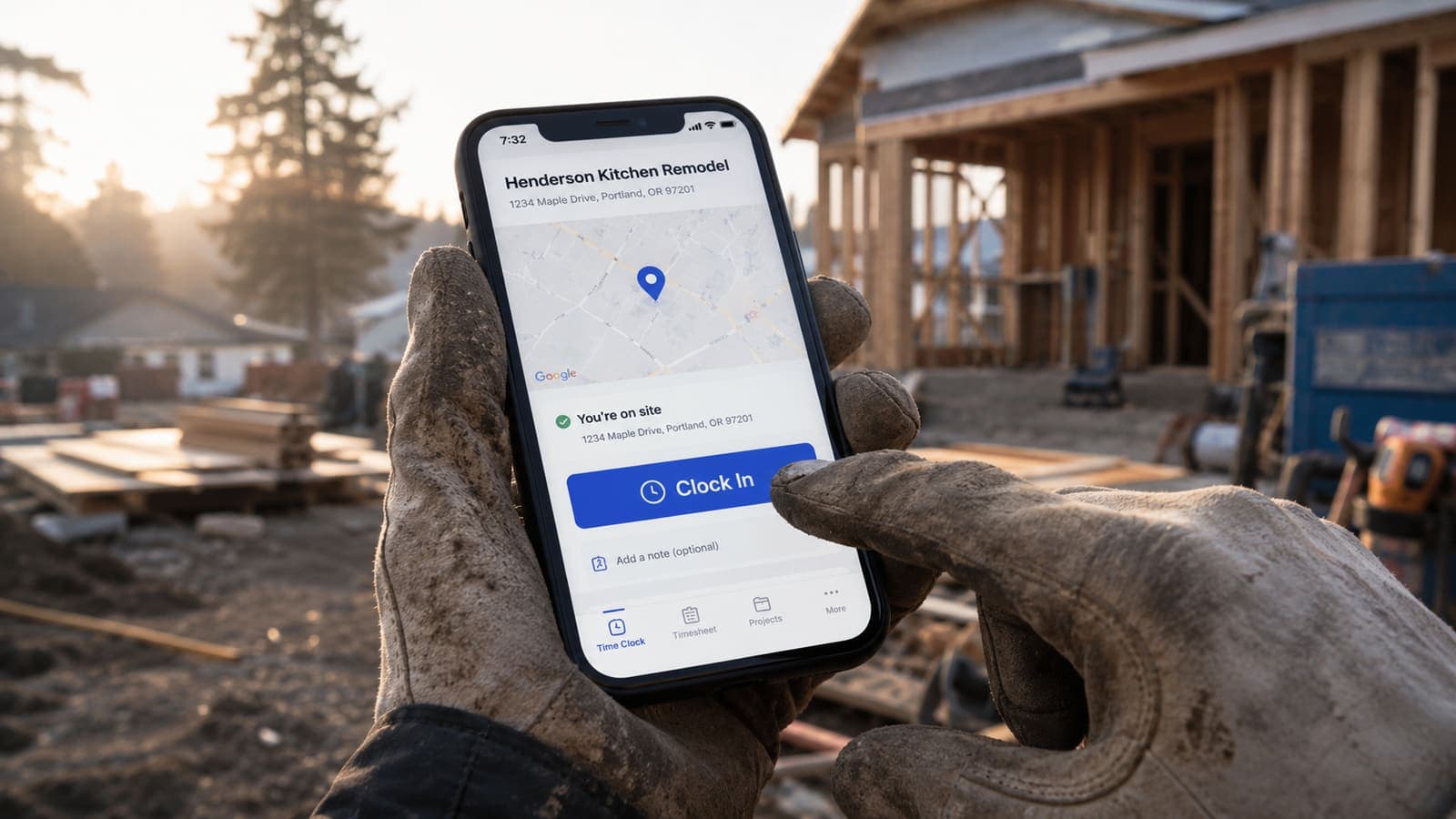
- GPS-verified clock in/out. The system records the worker's location at the moment they punch in. Clocking in from home, or from a different jobsite, or from the highway, gets flagged automatically.
- Job-code tagging at the point of entry. Workers select which job they're working on when they clock in, so labor hours flow directly into job-cost reports without anyone having to retype them on Monday morning.
- Offline-first capture. Real jobsites have spotty cell coverage. Time entries must queue locally and sync when the device reconnects — anything that requires connectivity to clock in will fail in the field within a week.
Buddy Punching Is the Easy Win
Two crew members carpool to the site. One clocks in for both because the other is grabbing coffee. The "off" worker shows up 25 minutes later. On a $35/hour wage with payroll burden, that's $20 a day per pair — and it happens at most jobsites whether the owner wants to believe it or not.
GPS-verified mobile clock-in solves this in one shot. The phone is in the worker's pocket. If the phone isn't at the site, the clock-in either fails or gets flagged for review. Buddy punching stops the day the policy rolls out.
The Bigger Win: Real Labor-Cost Data
Stopping buddy punching is the small win. The bigger win — knowing your real job margins — comes from finally knowing which jobs are profitable and which aren't.
When every hour is tagged to a job (and, on Business, to a cost code), you can answer questions you couldn't answer before: "did we lose money on the Henderson kitchen?" "are bathroom remodels actually our best margin work or do we just think they are?" "is the new crew faster than the senior crew on framing?" These questions become quantifiable, and the answers reshape which kinds of jobs you bid on, what you price them at, and which crews you put on which projects.
Geofencing and Auto-Clock
The newest generation of time tracking uses geofencing to auto-prompt clock-in when a worker arrives at a job, and auto-clock-out when they leave. This isn't Big Brother — workers approve every entry — but it removes the cognitive load of remembering to clock in, which is where most missed entries happen.
Be careful with fully automatic geofence punches without worker confirmation. Some states (notably California) have rules about employee-initiated time entries; defaulting to "worker confirms before submission" keeps you compliant.
What About Salaried Foremen?
You still want salaried staff to track their time-on-job even though pay doesn't change with hours. A foreman's hours are part of the project cost, and "salaried" doesn't mean "free" — it means "fixed cost spread across whichever jobs the foreman supervised that pay period." Without that data, your job-cost reports overstate margin on the jobs your foreman ran and understate it on jobs where they didn't.
Rollout: One Week Is Enough
- Day 1-2: Pick a platform that supports GPS verification, offline capture, and job-code tagging.
- Day 3: Set up the worker list, job codes, and pay rates. Test with one trusted crew member.
- Day 4-5: Train each crew on a quick 10-minute walkthrough. Hand out a one-page reference card.
- Day 6+: Go live. Expect 2-3 days of "I forgot to clock in" issues; after that the habit sticks.
- Week 2: Pull the first job-cost report. Brace for surprises — most contractors find at least one job that's losing money they didn't know about.
FieldsHub time tracking includes GPS verification, geofencing, offline-first capture, and job-costed hours — every hour worked lands on the right project, ready to export for payroll (cost codes on the Business plan). If you're still on paper timesheets in 2026, you're paying for a system that's actively losing you money.
The legal floor: the Fair Labor Standards Act requires employers to record each nonexempt worker’s hours worked per day and total per workweek (U.S. Department of Labor, Fact Sheet #21). A GPS clock-in produces that record automatically.
Sources
Ready to put this into practice?
Start a free FieldsHub trial — no credit card required.
Start Free Trial