FieldsHub on your phone, today.
Install the web app and it works like a native one: its own icon on your home screen, full screen, no browser bars, clock-in with location, photos from the site. Same account, same jobs as the office. The App Store and Google Play versions are on the way.
The web app is the same FieldsHub you use on a computer, installed. When the native apps ship, your account carries over.
Two taps, and it's on your home screen.
The web app installs like a native one: its own icon, full screen, no browser bars. It's the same account and the same jobs as the site. Nothing to download from a store.
iPhone & iPad
- 1Open fieldshub.com in Safari
- 2Tap Share at the bottom
- 3Choose Add to Home Screen
Android
- 1Open fieldshub.com in Chrome
- 2Tap the menu, or the install banner
- 3Choose Install app
App Preview
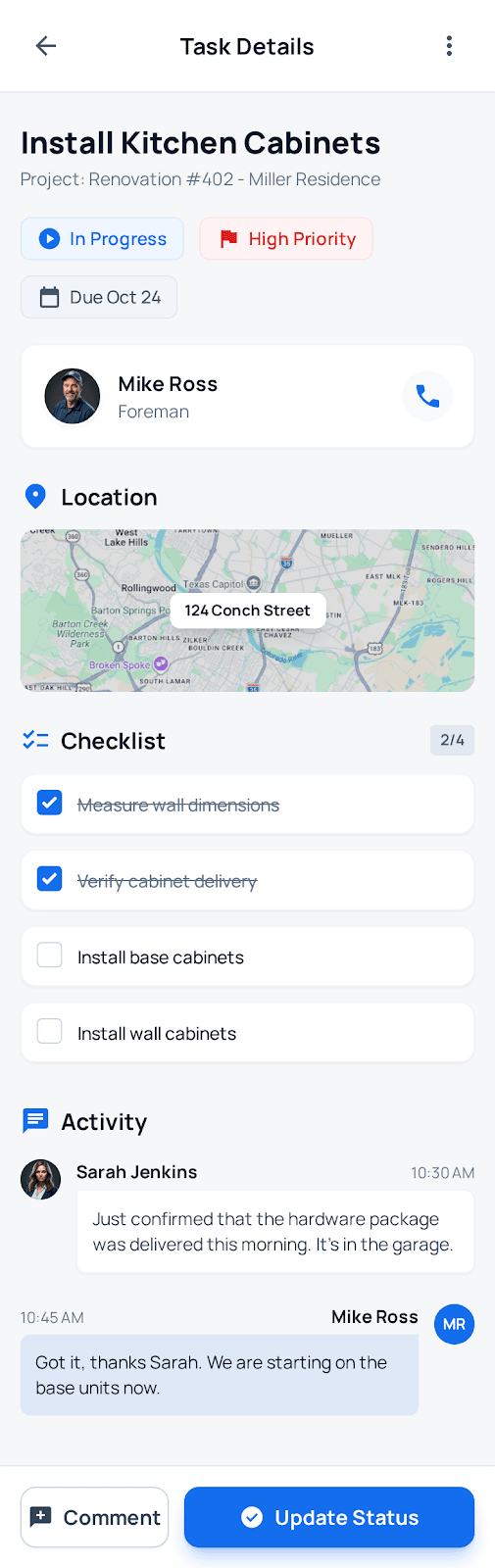
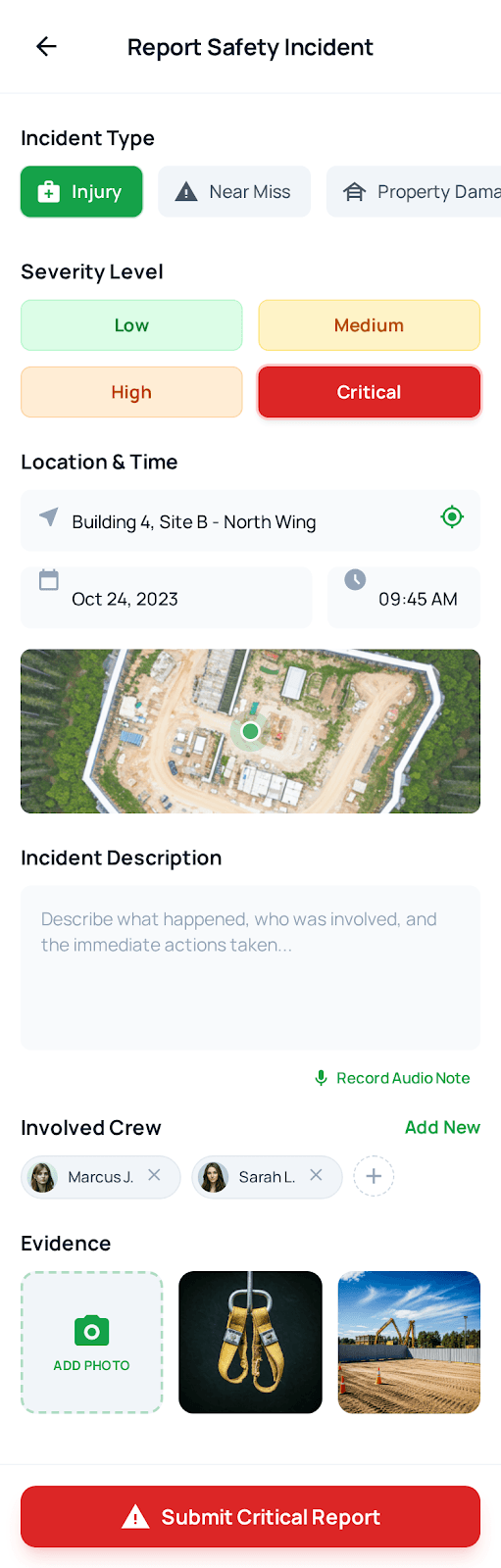
The same screens, on your home screen
One phone, five screens. It plays on its own; tap a step to jump, hover to pause.
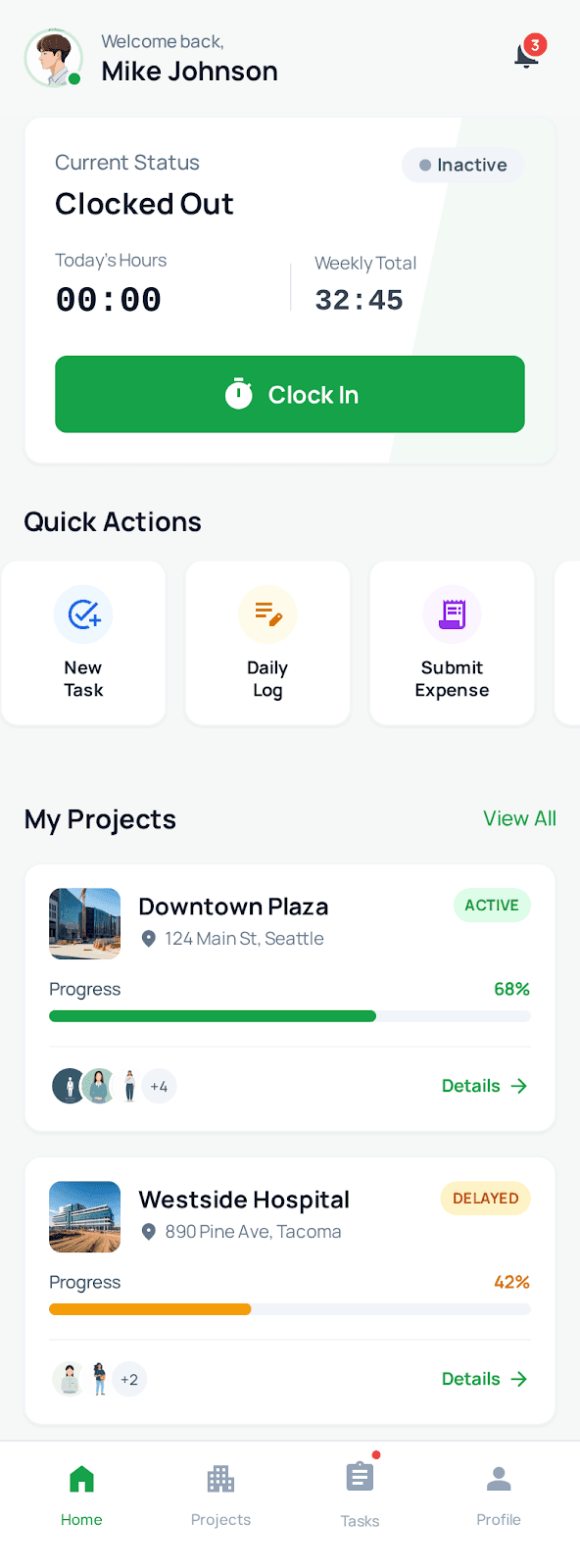
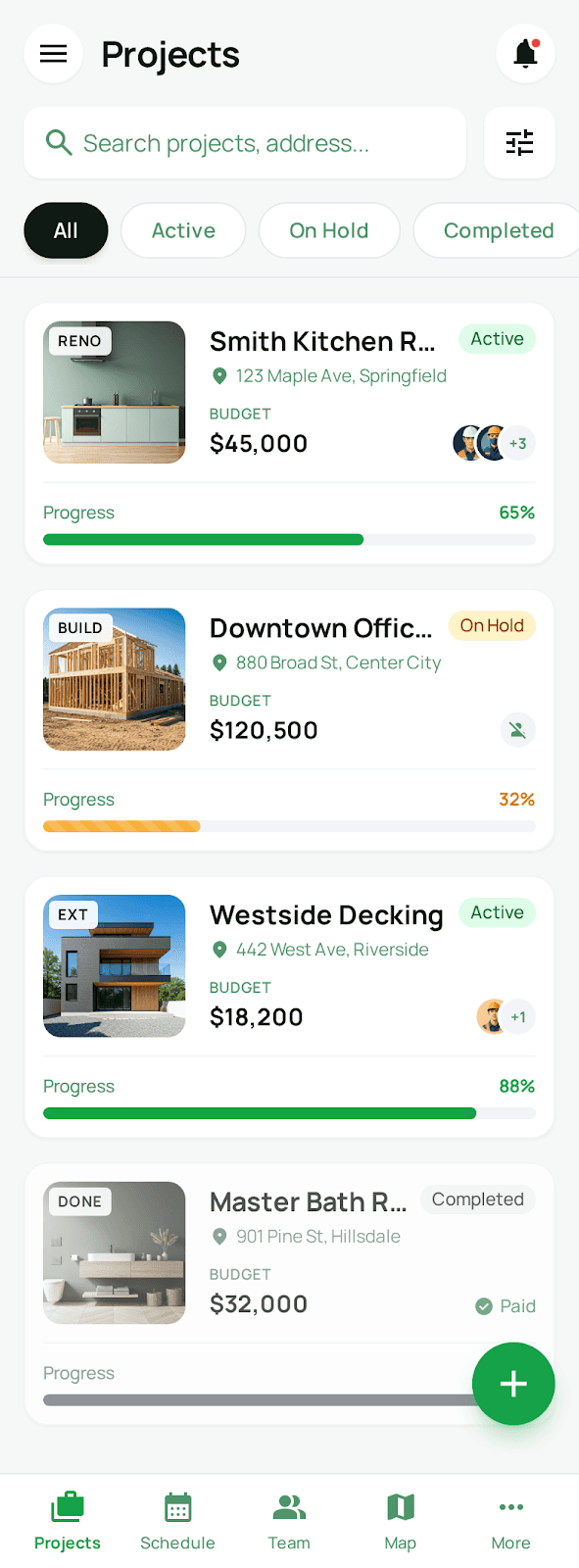
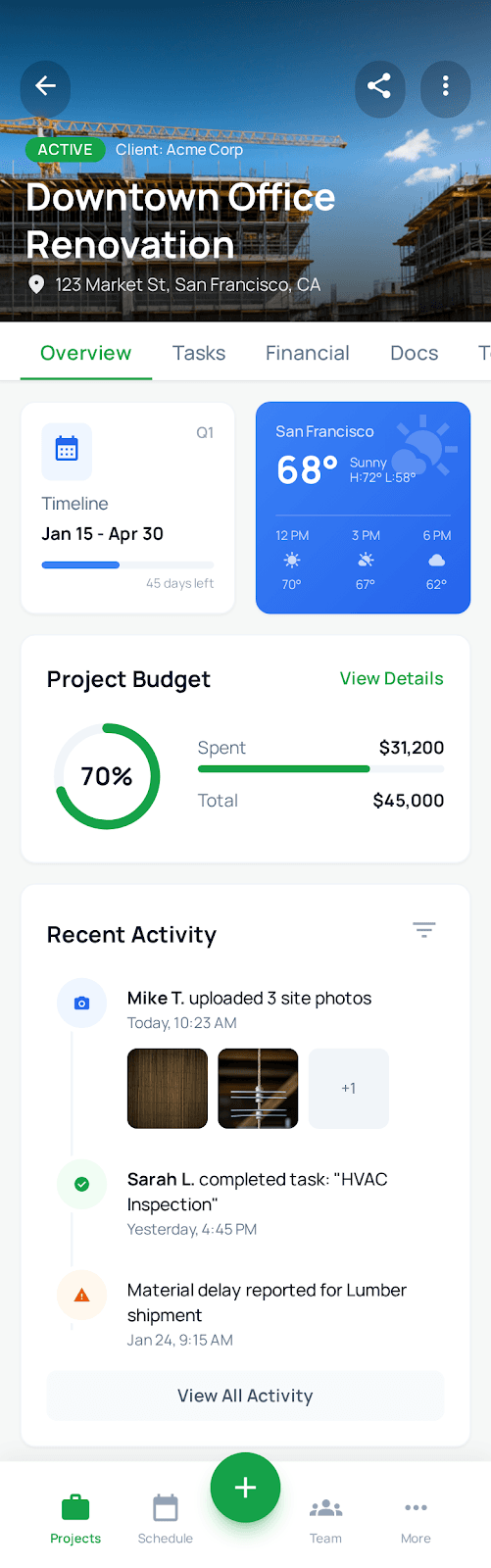
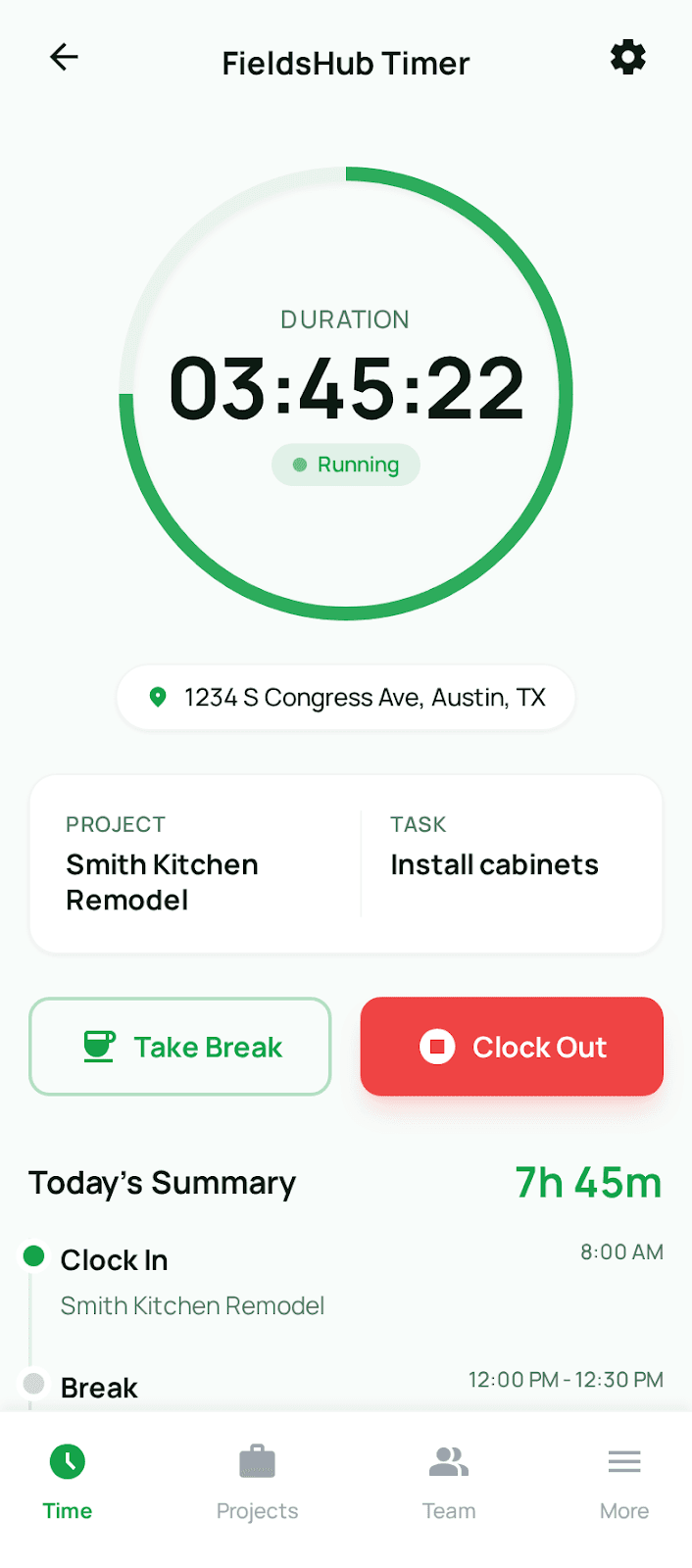
Mobile Features
Built for the job site
Everything a crew needs on the phone. Works today in the installed web app; the native apps add push notifications and Face ID.
GPS Time Tracking
Clock in and out with GPS verification. Automatic job site detection for accurate timekeeping.
Photo Documentation
Capture work progress, issues, or completed tasks. Auto-tagged with location and timestamp.
Task Management
View and update assigned tasks. Mark work complete and add notes right from the job site.
Job Site Navigation
Get directions to your next job. View all project locations on an interactive map.
Safety Reports
Report incidents and complete checklists on site.
Push Notificationsnative app
Real-time updates on schedule changes, new assignments, approvals, and more. The web app uses email and text alerts for now.
Biometric Loginnative app
Quick access with Face ID or fingerprint. Secure and instant authentication.
Roadmap
Where the native apps are
Web app, installablelive
Install from Safari or Chrome today. Same account as the site.
Design & Planning
User research, wireframes, and app architecture completed.
Development
Core features built: time tracking, tasks, projects, and safety modules.
Beta Testingin progress
Selected contractors are testing and helping refine the app.
Public Launch
Available on iOS App Store and Google Play.
Don't wait for the store.
Install the web app now. Your data carries straight over to the iPhone and Android apps when they launch.